
Forklift Instructions, driver's seat controlled
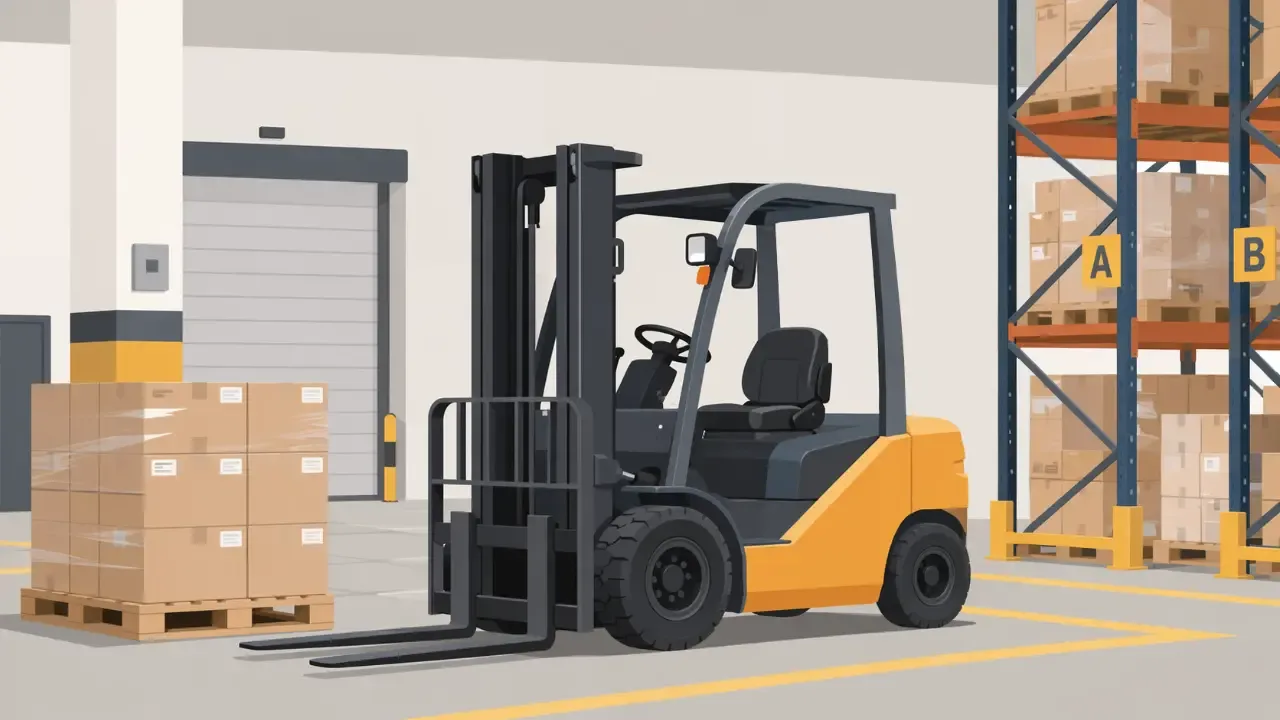
Visual inspection, load chart, tipping hazard, racking, work platform, electric, diesel and LPG forklifts.
This online safety instruction for sit-down forklifts teaches the most important safety rules for daily forklift operation in a compact and practical way. It ranges from the pre-use check and safe load transport and storage in racking to charging, refuelling and changing cylinders on electric, diesel and LPG forklifts.
Who is this training for?
This mandatory instruction is aimed at employees who operate sit-down forklift trucks. It is suitable as initial instruction for new employees and as annual safety instruction for refresher purposes. The training also points out that operation is only permitted from the age of 18 and with a documented internal driving permit.
What do participants learn?
The online instruction covers the key hazards when working with forklifts. A particular focus is on transporting and storing loads safely. An overview of the contents:
Before use: inspection sticker, visual inspection of lift chains, forks, brakes and tyres, securing against unauthorised use
Safe operation: traffic routes, reversing with restricted visibility, ramps and uneven floors, tipping hazard, warning with the horn
Loads and racking: load chart and load centre, load securing, storing above head height, loading racks, reporting rack damage
Work platform: approved forklifts, securing with locking pins, maximum load, conduct in the platform
Drive types: charging electric forklifts and explosion hazard, battery acid, diesel engine emissions and refuelling, cylinder change and leak test on LPG forklifts
Malfunctions and maintenance: first aid, repairs only by authorised competent persons
Instruction under the ASchG & proof of completion
The content is based on the obligation to provide instruction under Section 14 of the Austrian Workers' Protection Act (ArbeitnehmerInnenschutzgesetz, ASchG). The proof of competence (forklift licence) is not replaced by this instruction. After completing the course, participants receive a certificate documenting the completed safety instruction. The training is also ideal as a supplement to in-person instruction.
How it works
Choose & buy a course
Add the course to your cart and pay conveniently online.
Get your access link
You receive a link straight away – share it with your team as often as you like.
Complete the course
At your own pace, on any device, in the right language.
Certificate & course materials
Certificate after passing the knowledge check. Download the course materials as a PDF via your results link – valid for 13 months from purchase.
More about the course materials- Secure payment
- Personalised support
- Immediate access
- Certificate included
Frequently asked questions
- Simply opening the course link does not use up a participant seat.
- The link can be opened multiple times.
- Started training courses can be continued later
- Only a positive completion counts as a used participant seat.
- Select & customise training: Add the desired training module to the shopping cart, specify the number of participants and languages.
- Start immediately - no waiting time: After purchase, you will immediately receive an email with your course access (QR code and link) and personal results link.
- Easily train employees: Forward the course access link to employees - they complete the training, pass the knowledge check and receive their certificate.
- Keep track of progress and materials: Via your results link you can see at any time who has completed the course, export certificates and download the course materials as a PDF (valid for 13 months from purchase).
After purchase you receive a QR code and a course link by email. Simply forward them to your employees. They can start the course right away.
The same email contains your results link. Use it to view results and certificates and to download the course materials as a PDF.
Yes. Via your results link you can download the materials of every course you purchased as a PDF, in every language you purchased.
- Watermark: Every page shows the validity date and your order number, for example “Valid until 30 Dec 2027” and “Order 20261130-0000042”.
- Validity: The PDF is valid for 13 months from purchase. After that, the download is no longer available.
- Renewal: A new purchase creates a new order with another 13 months of validity and the current version of the materials.
Your participant seats are not affected: they never expire.
The languages available vary depending on the training module. In the shopping basket, you can see which languages are available for the respective training course and can easily select the desired languages.
Everyone chooses their preferred language at the start, so the training is also understood by employees who speak German well day to day but cannot follow specialist training with confidence.
Your participant seats never expire. Your quota stays active until the booked number of participants has completed the course.
The course materials (PDF), however, are valid for 13 months from purchase. After that, the download is no longer available.
Tip: It's better to plan a little more generously when purchasing - for new employees or repeat training sessions, for example. Unused participant places do not expire as long as the quota is still active.